B2B influencer marketing: is it worth paid budget?
Creators and employee voices earn paid budget only when AI-checked audiences match your buyers and a split test shows extra opportunities at a price you set in advance.

B2B influencer marketing is worth paid budget when a creator's or employee's audience contains your buying committee and your CRM shows that accounts who saw the content open more opportunities than accounts who didn't. Fund it as a two-quarter test against a cost-per-opportunity ceiling, and let AI handle the vetting and the account matching.
The request usually arrives from above. Picture the exchange, which is imagined but familiar: the CEO forwards a competitor's sponsored post from a creator with 200,000 followers and asks why you aren't doing this, and three months after you say yes, the CFO asks what it returned. If the only answer is impressions and a screenshot of nice comments, the line gets cut at the next review, whether it worked or not.
The decision here is whether creators and employee voices get a slice of paid budget, and how much. It covers what the spend actually buys, how AI checks a creator's audience before you sign anything, how to make the results show up in your CRM, and a hypothetical test with the arithmetic shown. The format mechanics of sponsoring a person's post live in our guide to LinkedIn thought leader ads; this one stays on the money.
Creators and employee voices earn budget only when their audience is your buyers
A creator or employee post deserves paid money when the people reading it include the roles and companies on your target account list, and not otherwise. Follower count is a weak proxy, because a B2B creator with a large audience of peers, students and job seekers may reach fewer of your buyers than a quiet engineer whose 4,000 connections are mostly customers and prospects.
The market is moving toward creators anyway. Forrester's 2026 predictions said three-quarters of enterprise B2B organizations will increase their budgets for influencer relations, as reported by B&T on November 7, 2025. LinkedIn's own 2026 survey, run by YouGov with 1,299 B2B marketers in five countries, found that 82% of the marketers say creators "increase credibility with decision-makers" (LinkedIn, June 10, 2026).
Read those numbers for what they are. Both describe what marketers believe and plan, and the second was commissioned by the platform that sells creator inventory. Neither tells you whether a creator will produce opportunities for your company. That's the question your budget has to answer, and the only place it can be answered is your own CRM.
There's also a quieter reason the request keeps coming back: people trust people more than logos, and everyone in the leadership team has seen a founder post outperform the company Page. That instinct is reasonable. The mistake is skipping from "people trust people" to "pay whoever has the biggest following," without checking who the following is.
B2B influencer marketing spend splits into three buys with different returns
B2B influencer marketing money goes to three different things, and each one gets measured differently, so decide which one you're funding before anyone talks fees. Lumping them together is how a creator sponsorship ends up judged by the same metric as an employee's sponsored post, and one of them always looks bad.
| What you pay for | Who you pay | What you can measure | Where AI does the work |
|---|---|---|---|
| Sponsoring employee posts | LinkedIn, for media only | Account engagement and pipeline by ad set, once sponsored | Shortlisting posts, matching engaged accounts to the CRM |
| Paid LinkedIn creators | The creator's fee, plus LinkedIn media to amplify | Organic posts: very little; sponsored posts: same as employees | Audience vetting before the fee, account matching after |
| Creators off LinkedIn: podcasts, YouTube, newsletters | The creator or publisher | Self-reported attribution and branded search, mostly | Classifying free-text "how did you hear about us" answers |
Employee voices are the cheapest place to start, because the only fee is the media and the employee's time. Paid creators cost more and carry more risk, but they reach people your employees don't know. Off-LinkedIn creators are the hardest to measure, since a podcast listener rarely clicks anything and often arrives months later through a search.
The budget question for each buy is the same: what's the most you'd pay for one extra opportunity, and can you design the spend so you'd actually see that opportunity? Getting a straight answer to that, with AI doing the audience checks before the contract and the account matching after it, is work Scalewell helps demand gen leaders put on a monthly footing.
AI vets a creator's audience against your ICP before you pay a fee
AI is good at the vetting work that nobody has time for: reading a creator's audience data, their recent posts and the people commenting on them, and scoring the fit against your ICP and target account list. A marketer still makes the call, but they make it with a scored sheet instead of a follower count.
LinkedIn now gives you more of the raw material. Its Creator Marketplace launched inside Campaign Manager on June 10, 2026, in alpha for select brands and creators in North America and English-language content only, according to Digiday. In Campaign Manager it sits under Content & assets, then Creator Marketplace, and as of November 2026 LinkedIn's help page says it doesn't yet support creators located in countries covered by the EU's Digital Markets Act. At launch, Digiday reported that creator cards show followers, post volume and engagement, and that creator insights add audience demographics by industry, job title and location, for creators who opt in to share them. LinkedIn was quoted in September 2026 as expecting general availability of its newer Creator Discovery filters "in early 2027" (Social Media Today), so as of November 2026 many teams can't use those filters yet and vet by hand.
For each candidate, collect three things into one sheet: the audience breakdown from Creator Marketplace or from follower analytics the creator shares with you, the creator's last 60 to 90 days of posts with their full text, and the named commenters with their titles and companies. Then give the sheet to an AI assistant with your ICP description, your account list and the scorecard below. The pass bars are our suggested starting points; adjust them to your list size.
| Check | What the AI reads | Suggested pass bar |
|---|---|---|
| Audience fit | Audience share by job function and industry | At least a third of the audience in your ICP functions and industries |
| Target accounts present | Named commenters on recent posts, matched to your account list | Five or more distinct target accounts across the last 90 days |
| Topic match | The full text of recent posts | Most posts discuss a problem your ICP pays to solve |
| Comment quality | Comment text and who leaves it | Substantive comments from buyers, not the same circle of fellow creators on every post |
| Partnership load | Posts carrying LinkedIn's "Brand Partnership" label | Fewer than one post in four is sponsored |
| Conflicts and claims | Past partnerships and claims in the posts | No current competitor deal, no claims you couldn't stand behind as your own ad |
The partnership check is easier than it sounds. LinkedIn's help page on brand partnerships says posts carrying the label are "publicly searchable by members and visitors" (LinkedIn Help), so the AI can count how much of a creator's feed is already paid for, and whether a competitor got there first. A feed that is half sponsored posts is an ad channel with a face, and your buyers have usually noticed.
The account match is the check that matters most. A creator whose commenters include people at eight of your tier-one accounts is worth a conversation at almost any follower count, and one with none is a pass at any price. Keep a human on the final score for credibility: whether the creator has actually done the job they write about is something your team will judge better than a model.
Paid amplification is what makes creator content measurable
Sponsoring a creator's or employee's post through your own LinkedIn ad account is what brings the results into reporting you can match to your CRM. A creator's organic post lives on their profile and reports to them; you see what they choose to send you. Once you sponsor it as a thought leader ad, it runs inside your account, against your target list, and shows up in your company-level reports.
That's a stronger argument for paid budget than any reach figure. LinkedIn's thought leader ads can sponsor posts from employees, creators and other members once the author approves, though Campaign Manager search covers only 1st and 2nd degree connections and anyone further out has to come through Creator Marketplace (LinkedIn Help). Build the creator fee to include permission to sponsor the posts, or you'll pay for content you can't measure.
Two LinkedIn reports then do the matching. The Companies hub, under Plan and then Companies in Campaign Manager, "provides company engagement and revenue data in a central location" and covers companies reached through organic and paid activity, with a CSV export (LinkedIn Help). The Revenue Attribution Report shows "revenue won, return on ad spend, and pipeline amount" once Salesforce, Dynamics 365 or HubSpot is connected, with lookbacks up to 365 days and drill-downs by campaign or ad set (LinkedIn Help).
The ad set limit shapes the setup. Because results drill down only to ad set level, put each creator and each employee in an ad set of their own, or you'll know that "creators" worked without knowing which one. Each month, hand an AI assistant the same three files the thought leader ads guide uses, the Companies hub export, spend by ad set and CRM opportunities with created dates, and ask it to list the target accounts each ad set engaged, which of them opened an opportunity afterward, and which already had one open, so old deals don't get credited to new posts.
Off LinkedIn, the measurement is softer and you should budget accordingly. Add a free-text "How did you hear about us?" field to your demo form, and have AI sort the answers each month into named creators, podcasts, newsletters and everything else, as our AI attribution guide describes. It undercounts, because buyers forget, but a creator who never appears in those answers after two quarters has given you your answer.
Set the creator budget from a cost-per-opportunity ceiling
The right creator budget is the amount you'd spend to get the extra opportunities you need to see, priced at the most you'd pay for one opportunity from any channel. That turns a vague brand bet into a test with a pass mark, and it gives the CFO a number before the money goes out.
Here's a hypothetical worked example. Every figure is invented to show the method.
| Input | Hypothetical value | How it's set |
|---|---|---|
| Average deal size | $48,000 | From the CRM, last four quarters |
| Opportunity-to-win rate | 25% | From the CRM |
| Expected revenue per opportunity | $12,000 | $48,000 x 25% |
| Ceiling per extra opportunity | $2,400 | 20% of expected revenue, agreed with finance |
| Two creators, three posts each, sponsoring rights included | $12,000 | Negotiated fees |
| LinkedIn media to sponsor creator and employee posts | $9,000 | Two quarters |
| Total test cost | $21,000 | $12,000 + $9,000 |
| Extra opportunities needed to break even | 9 | $21,000 / $2,400 = 8.75, rounded up |
To see those nine extra opportunities, split your target account list at random. In this hypothetical, 1,600 accounts become 800 that see the sponsored posts and 800 held out, and only the first group goes into the ad sets. The organic versions of the posts will still reach some held-out accounts, which makes the test conservative, so treat any lift you find as a floor. Check the matched audience before launch, because LinkedIn needs at least 300 matched members to serve an ad set.
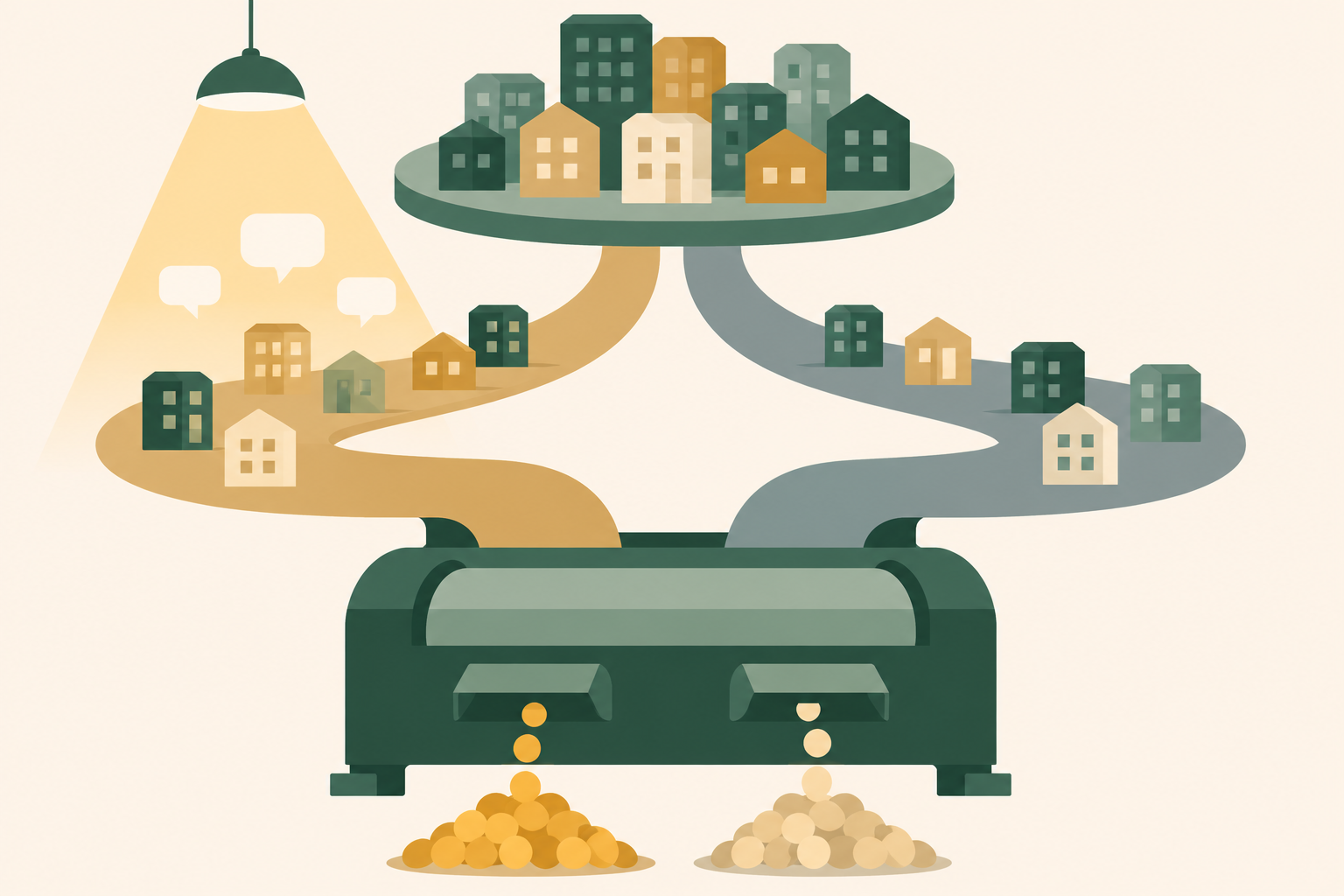
Now suppose that after two quarters the exposed group opened 47 new opportunities and the holdout opened 36. The gap of 11 clears the break-even of nine, and $21,000 divided by 11 is about $1,909 per extra opportunity, under the $2,400 ceiling. If the gap had been five, the cost would be $4,200 per extra opportunity, and you'd drop the creator fees, keeping the employee posts only if their own ad sets show target accounts opening opportunities.
Be careful with that first result, though. On counts this small, a gap of 11 is within the range chance alone can produce, so it says "promising," not "proven." The right decision is to extend the test for a third quarter or widen the list, without raising the budget yet. Our guide to incrementality testing shows how to size a holdout so the answer is readable before you start.
This is also where the creator line meets the rest of the plan. If you split your plan into committed and flexible spend, as our guide to B2B marketing budget allocation suggests, creator money belongs in the flexible part until a test earns it a committed line. And because 365 days is the longest lookback the Revenue Attribution Report offers, opportunities created later still have to be counted in the CRM by hand or by your AI assistant.
How Scalewell gets creator budgets decided on pipeline
Decisions on creator money made from opportunity data, with AI doing the monthly vetting and account matching, are what Scalewell helps demand gen leaders reach. The way in is a free 30-minute call, and bringing the creator proposal or the CEO's forwarded post makes it more useful. If going further makes sense, an audit of the team's week scores the recurring jobs around paid social, creator checks included, and a ranked roadmap puts them in order. The build sprint that follows, often 8 to 12 weeks and sometimes longer, sets the first jobs up in the ad accounts, CRM and reporting tools you already use, and your team is trained to run and adjust them without Scalewell.
Creator budgets go wrong when reach stands in for buyers
Most creator spend that fails was set up to fail before launch, usually by choosing on audience size and then judging on engagement. These are the patterns to catch at the planning stage.
- Paying for a following you never checked. The creator's audience is mostly other marketers or founders, and none of them buy what you sell. The vetting scorecard exists to catch this before the contract.
- Buying content you can't sponsor. The fee covers organic posts only, so the content never enters your ad account and never reaches your company-level reports. Write sponsoring rights into the agreement.
- One post and done. A single sponsored post to a small list tells you nothing over a long sales cycle. Dreamdata's March 2026 release puts the B2B customer journey at 272 days (PR Newswire), so budget for a sequence over two quarters or don't start.
- Judging creators on engagement rate. Comments and likes measure the creator's audience enjoying the creator. Report them as context and make the decision on target accounts engaged and opportunities opened.
- Letting one employee carry the program. If that person leaves or revokes approval, the sponsored posts stop. Spread the program across at least three voices.
Some teams should skip paid creators entirely for now. If your target list is too small to split into two groups that each clear LinkedIn's 300-member matched audience minimum, you can't read the test, and the money is better spent on account-based campaigns you can measure. The same goes for teams whose CRM can't list new opportunities by account with a created date, since the whole decision rests on matching accounts.
Where to start
Take the one creator or employee you're already being asked to fund, paste their last 90 days of posts and named commenters into a sheet, and ask an AI assistant to count how many distinct accounts on your target list appear. Under five, the answer is no for now, and you've saved a fee. If you want a second opinion on the test design before any money moves, Scalewell will happily look it over with you on a free call.
Frequently asked questions
Do B2B influencers have to disclose sponsored posts?
In the US, yes. The FTC's Endorsement Guides require a connection that "might materially affect the weight or credibility of the endorsement" to be "disclosed clearly and conspicuously" (16 CFR 255.5). LinkedIn's Brand partnership toggle helps, but the FTC's FAQ calls platform tools "no guarantee" and says listing an employer on a profile "isn't enough," so get the connection stated in the post.
How much do B2B influencers charge?
No reliable public rate card exists for B2B creators. LinkedIn's announcements about Creator Marketplace publish no rates, and fees are negotiated directly with each creator. Price the deal backward from your cost-per-opportunity ceiling instead of from follower count, and make sure the fee includes the right to sponsor the posts through your own ad account.
Is the company liable for what a paid creator says?
The FTC's own guidance says "your company is ultimately responsible for what others do on your behalf," and that handing the program to an outside firm doesn't remove that responsibility (FTC). In practice, that means a written brief, a claims check before posting, and someone monitoring what the creator publishes about you.
Is employee advocacy the same as B2B influencer marketing?
They overlap but aren't the same. Employee advocacy means colleagues sharing or writing about the company, usually unpaid beyond their salary, while influencer marketing pays outside creators for access to their audience. Both can be sponsored through LinkedIn thought leader ads, and both should be judged by the same account-level test once money is behind them.