AI retargeting for B2B: stage-based audiences that follow the buying committee
Retarget accounts by where they sit in the buying process, with a different offer at each stage and AI keeping the lists current every week.
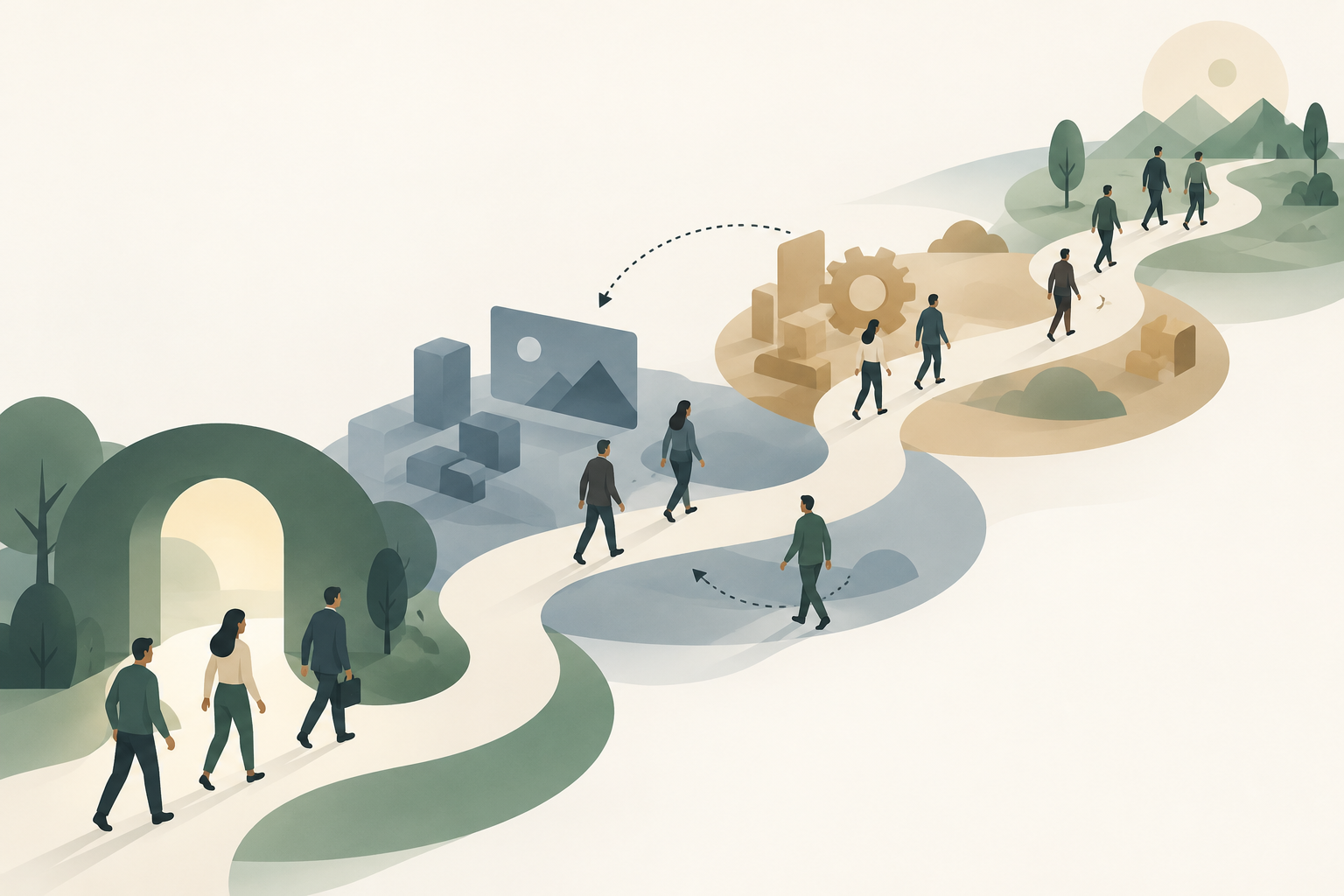
B2B retargeting works when each audience matches where an account sits in the buying process, and each stage gets a different offer. AI's job is the weekly bookkeeping: assigning every account a stage from CRM, engagement and intent data, rebuilding the lists on LinkedIn, Google and Meta, and swapping the offer when an account moves.
Most retargeting in B2B accounts runs on one audience: everyone who visited the site in the last 90 days, shown the same demo ad. The blog reader from a student society sees it, the champion who read the pricing page twice sees it, and so does the customer logging in to the help center. Then sales mentions that a buyer in an open deal asked why your ads keep inviting her to book a demo she had last week.
This guide gives the person who runs those accounts a filled-in map of stage, audience and offer for LinkedIn, Google and Meta, checked against each platform's help pages as of November 2026, the AI workflow that keeps the map current, and a way to tell whether it moved pipeline. Building the seed and exclusion lists themselves is covered in our guide to AI audience segmentation, so this article starts where that one stops: what each stage sees.
Retargeting B2B buyers means following accounts, not visits
B2B retargeting has to follow accounts through stages because the people you are retargeting are rarely one buyer on one visit. Dreamdata's 2026 LinkedIn Ads Benchmarks Report, built on its customers' data across "3.5M+ customer journeys," counts "an average of 88 touchpoints" with "10 stakeholders involved," and 281 days from first ad impression to revenue. That is a vendor's own customer base, but it describes the problem well: a single journey has room for many visits, many people and several changes of mind.
So a "visited the site" audience mixes people at very different points. An account with an open opportunity needs proof for the people who haven't met you yet, such as the security lead and the finance approver. An account that downloaded one guide needs a reason to look at the product at all. Showing both the same ad wastes money on one and annoys the other.
Platforms track people, though, and stages belong to accounts. The practical answer is two layers. First comes the account layer, a list your CRM decides (open opportunity, closed-lost, customer), uploaded as a company or contact list. The person layer is the platform's own engagement audiences (site visitors, video viewers, form openers), which catch people your CRM doesn't know yet. AI sits between them and keeps the two in step. When AI takes over the weekly stage bookkeeping, a paid team gets its time back for the offer each stage sees, rather than for rebuilding lists, and Scalewell helps teams make that handover.
The audiences each platform gives you, as of November 2026
Each platform offers a different set of retargeting sources, retention windows and minimum sizes, and those limits decide which stages you can actually run. Here is what the official pages say today.
LinkedIn retargeting. LinkedIn's retargeting help page lists audiences built from website visits, single image ads, document ads, video views ("25%, 50%, 75%, or 97%"), Lead Gen Forms (members who "opened or submitted" the form), conversation ads, your Company Page, LinkedIn Events and the Conversions API. Engagement audiences look back "from 30 days in the past to 365 days in the past." Website audiences come from the Insight Tag, and LinkedIn's Website Actions page gives "four lookback window options: 30, 60, 90, or 180 days." You create them in Campaign Manager under Plan, then Audiences, then Create audience, then Matched Audience. Every one of them needs "at least 300 member accounts to be used in ad set targeting," and LinkedIn's Matched Audiences page warns that reaching 300 "could take longer than your selected lookback window" on a quiet site.
Google. Website and app visitors become "your data segments." Google's help page on how they work sets a default membership of 30 days and a maximum of 540 on both Display and Search. A segment needs "a minimum of 100 active visitors or users within the last 30 days" to serve on Display, Search or YouTube, and a newly created list can take "48 to 72 hours" to fully populate (Google). CRM contacts go in through Customer Match, where the policy limits targeting to accounts with "90 days of Google Ads history and more than USD $50,000 total lifetime spend." Smaller accounts can still use those lists for exclusions and observation, which matters more than it sounds.
Meta. Custom audiences come from the Meta Pixel, customer lists and engagement. Meta's engagement audience documentation caps lead form audiences at "90 days" and Facebook Page and Instagram profile audiences at "730 days." In B2B, Meta usually earns its place as a cheaper place to keep known people warm, and our guide to AI for Facebook ads covers how its own AI handles those audiences.
Read those limits as a design constraint. A stage you can't fill to 300 matched members on LinkedIn, or 100 active users on Google, doesn't exist as an ad set, so it gets merged with the stage next to it.
Five stages, each with its own audience and offer
A stage-based map gives every stage four things: how an account gets in, which audiences hold it on each platform, what it sees, and what moves it out. Here is the map filled in for a typical B2B software company. Swap the offers for your own, but keep the structure.
| Stage | How an account or person gets in | LinkedIn audience | Google audience | Meta audience | Offer it sees | What moves it on |
|---|---|---|---|---|---|---|
| 1. Engaged, unknown | Watched 50% or more of a video, read two or more blog posts, viewed the Company Page; no contact in CRM | Video viewers 50%, 90 days; Company Page visitors; website visitors to /blog, 90 days | Blog visitors segment, 60 days | Page and Instagram engagers, 90 days | A point of view: a short video or a benchmark guide, no form or a light one | Visits a product, pricing or comparison page, or opens a form |
| 2. Researching | Visited product, pricing or comparison pages; opened but did not submit a Lead Gen Form; account shows an intent surge | Website visitors to product and pricing pages, 30 days; Lead Gen Form openers minus submitters; document ad engagers | Product and pricing page visitors, 30 days | Pixel visitors to product pages, 30 days | A customer story from the same industry, a product tour, a comparison page | Submits a form or books a meeting |
| 3. Known lead, no opportunity | Contact in CRM at lead or MQL status, no open opportunity | Contact list from CRM, plus Lead Gen Form submitters, 180 days | Customer Match list of the same contacts, or observation only below Google's spend bar | Customer list of the same contacts | An assessment, a calculator or a demo invitation | Sales opens an opportunity |
| 4. Open opportunity | Account has an open opportunity in CRM | Company list of opportunity accounts, narrowed by job function to roles not yet in the deal | Customer Match of all contacts at those accounts | Customer list of the same contacts | Proof for the rest of the committee: security and compliance page, business case template, implementation timeline, reference customer | Closed won or closed lost |
| 5. Closed lost, recycled | Opportunity closed lost more than 90 days ago | Company list of those accounts | Customer Match of those contacts | Customer list | What has changed since: new features, new pricing, a new customer in their sector | Re-enters stage 2 or 3 on new activity |
Two lists sit outside the map as exclusions on every stage: current customers and employees. Each stage also excludes every later stage, so an account in stage 4 never sees stage 2's product tour. That cascade is the part teams skip, and it's why the open-deal buyer gets the demo ad.
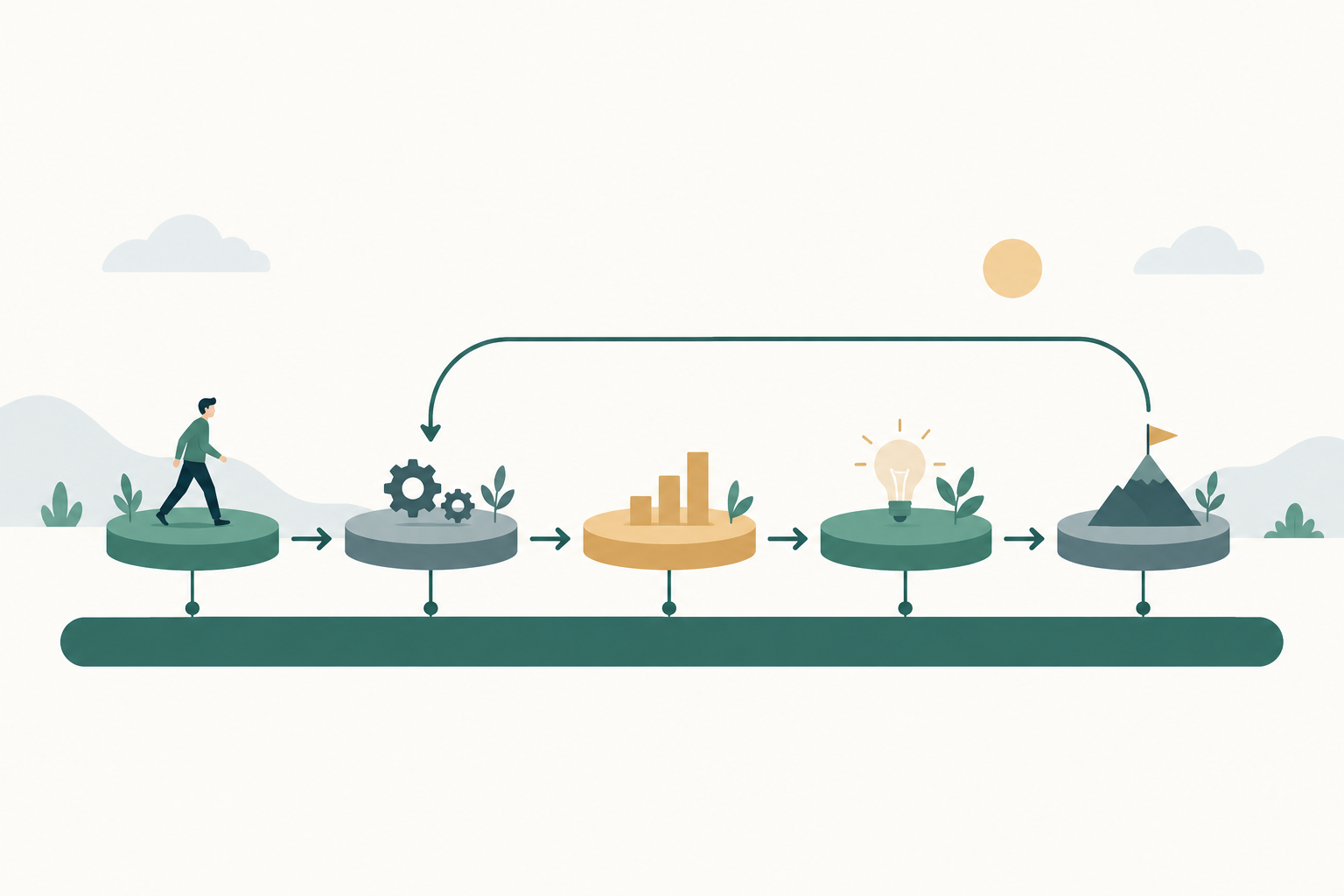
Stage 4 is where the money is in this map. LinkedIn's company list lets you reach people at an opportunity account who never visited your site, and narrowing by job function aims the ad at the finance or IT people your champion has to convince. On LinkedIn the 300-member floor applies to the whole ad set after the job function filter, since LinkedIn's audience size page sets "The minimum audience size required for an ad set is 300 member accounts." A group of small opportunity accounts may only clear it together, which is fine because they share the same offer.
AI keeps the stages current in five weekly steps
AI keeps a stage-based program running by doing the same five jobs every week. None of them is clever, and skipping them is why stage maps decay when a person does them by hand. Each step ends in something you can check.
1. Assign every account a stage
Export accounts with their CRM status, open opportunity flag, last closed date, engagement from your ad platforms, and an intent tier if you buy intent data. Our guide to B2B intent data covers turning raw signals into tiers. Then give a general AI client such as Claude or ChatGPT a prompt like this one, with personal fields removed.
You are assigning B2B accounts to retargeting stages.
Columns: account_id, crm_status, open_opportunity (yes/no),
closed_lost_date, last_pricing_page_visit, form_opened (yes/no),
form_submitted (yes/no), intent_tier (1-3), current_stage.

Rules, applied in this order:
- customer -> EXCLUDE
- open_opportunity = yes -> stage 4
- closed_lost_date older than 90 days and no newer activity -> stage 5
- crm_status in (lead, MQL) -> stage 3
- pricing visit in last 30 days, or form_opened and not submitted,
  or intent_tier = 1 -> stage 2
- anything else with engagement -> stage 1

Output: one row per account with new_stage, changed (yes/no),
and the single rule that decided it. List every account whose
stage changed. Do not guess missing values; mark them "unknown".
The output is a table of stage changes. Spot-check five of them against the CRM before anything gets uploaded, because a model that misreads one column moves the whole list.
2. Rebuild the stage lists and the exclusion cascade
Turn the changes into uploads: company and contact lists for LinkedIn, Customer Match lists for Google, customer lists for Meta. A CRM that syncs lists to the ad platforms makes this a sync rather than an upload, and the audience segmentation guide linked above covers that set-up. Then have the AI list every live ad set with the audiences it includes and excludes, and flag any stage that is missing a later stage in its exclusions.
3. Check every audience against the floor
Ask the AI to compare each audience's current size with the floor: 300 matched members on LinkedIn, 100 active users in the last 30 days on Google, and the size Meta shows before it will serve. Any stage below the floor gets merged into its neighbor for that platform, usually stages 1 and 2, or 3 and 4 for small opportunity lists. Write the merge down so the reporting still separates the stages.
4. Rotate the offer when an account moves or an ad tires
A stage change is the main trigger for a new offer, and the exclusion cascade handles most of it. The second trigger is fatigue: a stage 4 audience of a few thousand people sees the same three ads very quickly. Have the AI draft two fresh variants per stage each month from the offer column, and pause the oldest ad in a stage when the weekly check in our article on ad fatigue in small B2B audiences flags it. A person still approves every claim before an ad goes live.
5. Report stage movement, not retargeting conversions
Once a week, the AI writes one table: accounts per stage, accounts that moved forward, accounts that stalled more than 60 days, and spend per stage. Forward movement is the number that matters, and the failure section below explains why retargeting's own conversion count is the wrong one.
A worked hypothetical: one site, two set-ups
Imagine a B2B software company with 6,000 monthly site visitors, 40 open opportunities and a $15,000 monthly retargeting budget split across LinkedIn and Google. These numbers are invented to show the mechanics.
Company A runs one audience: all site visitors, 90 days, one demo ad. The audience is large, the platforms report plenty of conversions, and about a third of the people seeing the demo ad are customers, students or people already in a deal. Its conversion count also includes buyers who were coming back anyway.
Company B runs the five-stage map. Stage 1 and 2 merge on LinkedIn because the pricing page audience reaches only about 200 members in 30 days. The 40 opportunity accounts merge into one stage 4 company list, filtered to finance and IT functions. Customers and later stages are excluded everywhere. Company B's platform-reported conversions drop, because it stopped showing demo ads to people who had already booked one. What it watches instead is how many stage 2 accounts reach stage 3 in 60 days, and how many stage 4 deals close compared with last year's rate.
Company A's report looks better in month one. Company B's is the one the CFO can do something with.
Where B2B retargeting goes wrong
The most expensive failure is counting retargeting conversions as new pipeline. Retargeting audiences are full of people who already know you, so a lot of what it "converts" would have arrived anyway through email, sales or a direct visit. Treat platform conversions on retargeting as an upper bound and use a holdout to measure the real effect, as our guide to incrementality testing explains for small audiences.
The second failure is audiences that never fill. A stage defined as "visited the pricing page in 30 days" can stay under LinkedIn's floor for months on a site with modest traffic, so check sizes before building creative for a stage, not after.
The third is a leaking cascade. Without exclusions for later stages, customers and open deals get acquisition ads, which is the fastest way to have sales ask you to switch retargeting off.
The fourth failure is consent, which shrinks audiences more than most teams expect. LinkedIn notes that audience targeting is "Subject to members' preferences" and that "the Insight Tag should not be installed on web pages that collect or contain Sensitive Data" (LinkedIn). Google's segment page adds "You're responsible for complying with any duration limitations under applicable law," and Google's consent mode exists to pass your visitors' cookie choices to it (Google). In the EEA, UK and Switzerland, expect website audiences to be smaller than your traffic suggests, and have your legal team confirm what the cookie banner allows before anyone builds stage 1.
Judge AI retargeting on stage movement and a holdout
AI retargeting has worked when accounts in the retargeted stages move forward faster than a comparable group that saw no retargeting. Hold back a random share of stage 2 and stage 4 accounts from those ads, sized with the minimum detectable effect calculation in the incrementality guide linked above, and decide before launch what gap counts, for example stage 2 accounts reaching an opportunity at least two percentage points more often than the holdout after one full sales cycle. On small lists that gap may sit inside the noise, so read it twice, after one cycle and again after two, before moving budget.
Check two things alongside the holdout every month. Spend per stage should lean toward stages 2 and 4, where accounts are closest to a decision, and no audience should be serving below its floor or without its exclusions. If you send CRM stages back to the ad platforms as conversions, as our guide to offline conversion tracking describes, the platforms can also bid toward stage movement instead of form fills.
Your first step this week
Pull your open opportunities from the CRM, upload them as one company list on LinkedIn, and exclude it from every retargeting campaign that still shows a demo offer. If you'd rather AI ran the weekly stage updates than a person, that routine is something Scalewell builds with B2B paid teams.
Frequently asked questions
How long should a B2B retargeting window be?
Match the window to the stage, not to the platform default. High-intent signals such as a pricing visit go stale within weeks, so 30 days suits them. Video viewers and Company Page engagers can stay for 90 days or more. LinkedIn allows 30 to 180 days for website audiences and up to 365 for engagement, and Google allows up to 540 days.
Can you retarget on LinkedIn without the Insight Tag?
Yes, because the Insight Tag is needed only for website audiences. LinkedIn can also build retargeting audiences from video views, Lead Gen Form opens and submissions, document ads, single image ads, conversation ads, Company Page visits and LinkedIn Events. Those audiences use engagement on LinkedIn itself, so they fill even when your site traffic is small or consent rates are low.
What is the minimum audience size for LinkedIn retargeting?
A LinkedIn retargeting audience needs at least 300 matched member accounts before an ad set can use it, the same floor as contact and company lists. If an audience is stuck below that, lengthen its lookback window, merge it with a neighboring stage, or add more segments of the same type to the ad set. LinkedIn says segments of the same type add together, while mixing different types of segments shrinks the audience.
Is account-based retargeting better than retargeting individual visitors?
Use both, because they answer different questions. Account-level lists from the CRM decide which stage an account is in and let you reach committee members who never visited your site. Person-level audiences catch new people your CRM doesn't know yet. The combination is what lets one account see different offers as it moves through the buying process.
Should B2B retargeting run on Meta at all?
Often yes, as a cheaper way to keep known contacts and site visitors warm, though Meta has no equivalent of LinkedIn's company lists. Customer lists from your CRM work well for stages 3 to 5. Judge it on whether those accounts move forward, not on cost per click, which will always look better than LinkedIn's.