Ad fatigue in small B2B audiences: an AI check that catches it before results drop
Small B2B audiences wear out ads within weeks, so this guide shows the frequency math, what each platform reports, and a weekly AI check that flags tired ads and queues a refresh for approval.

Ad fatigue is the decline in an ad's results when the same people have seen it too often: click-through rate slides and cost per result climbs. In small B2B audiences it arrives within weeks, so the reliable defense is a weekly check that compares each ad with its own first weeks, run by AI and signed off by a person.
You've probably met it in a quarterly review. The LinkedIn campaign that carried September is now costing far more per lead, nobody changed anything, and someone suggests the audience is "tired of the ad." They're usually right, but by the time the quarterly review finds the problem, the account has paid a month of inflated prices to say the same thing to the same 20,000 people.
This guide is for the head of paid media or demand gen who wants to catch it earlier. It covers the frequency arithmetic that makes small audiences wear out fast, where each platform shows frequency, which fatigue thresholds the platforms actually publish (very few), how to set your own baseline, and a monitoring recipe that has AI pull the numbers, diagnose the cause and queue a fresh version for approval. Turning a flagged ad into a new brief is covered in our AI creative brief generator guide, so this piece stops at the point where the refresh is queued.
Ad fatigue shows up as falling click-through at rising frequency
Ad fatigue, also called creative fatigue, is a specific pattern: one ad's click-through rate falls week after week while its frequency rises and the price of the auction stays roughly flat. That last condition matters, because a falling click-through rate on its own has half a dozen possible causes, and only one of them is people being bored of your ad.
LinkedIn says this plainly on its ad creative best practices page: "It's common for the CTR of your ad to decline if you continue to display the same ad week after week." Meta goes further and labels the condition inside Ads Manager, as the platform section below shows. Neither platform tells you the frequency at which it starts, and that gap is the reason a check you design yourself beats a rule of thumb from a blog.
With AI running this check every week, your team spends Monday approving new creative instead of digging through frequency columns, and that weekly routine is one Scalewell builds with demand gen teams.
Two neighbors get mistaken for creative fatigue, and each needs a different fix. Audience saturation is when you've reached most of the people you can reach, so every ad in the campaign slows down at once. Auction pressure is when costs rise because competitors bid harder, which shows up as a higher cost per thousand impressions (CPM) with frequency unchanged. The diagnosis table further down separates the three.
Small B2B audiences reach fatigue frequency in weeks
Frequency is impressions divided by reach, and impressions are roughly your spend divided by CPM, times 1,000. So with a fixed budget, the smaller the audience, the faster the same people see the ad again. Your budget is quietly a frequency setting, which our AI campaign optimization guide shows in LinkedIn's own words.
Here is the arithmetic with hypothetical numbers. Imagine two LinkedIn campaigns, each spending $6,000 a month at a $60 CPM, which buys 100,000 impressions.
- Company A targets a 25,000-member audience built from an account list. Say LinkedIn reaches 15,000 of them in the month. Average frequency is 100,000 divided by 15,000, or about 6.7 impressions per person in one month.
- Company B targets a 250,000-member audience and reaches 50,000 people with the same budget. Average frequency is 2.0.
Company A will see the decline first, and the cause is the size of its audience.
Small audiences also have to hold attention for longer, which makes the problem worse. John Dawes of the Ehrenberg-Bass Institute estimated in 2021 that "up to 95% of business clients are not in the market for many goods and services at any one time," working from companies switching providers about once every five years. If most of your account list won't buy this quarter, your ads have to stay worth noticing for months, across a buying committee that keeps seeing them.
Each platform shows frequency in a different place
Every major ad platform reports frequency, but only Meta labels fatigue, and none publishes a frequency number at which fatigue begins. This table is the map, as of November 2026.
| Platform | Where frequency is shown | Official fatigue signal | Frequency cap |
|---|---|---|---|
| Campaign Manager reporting table: open the Columns dropdown and choose Delivery for Reach and Average frequency; audience penetration sits in the same section | No label; LinkedIn notes that CTR commonly declines week after week and advises refreshing ads "at least once per month" | 3 to 30 impressions per member over seven days, brand awareness ad sets only, still rolling out | |
| Meta | Ads Manager reporting: Reach and Frequency metrics | "Creative limited" and "Creative fatigue" in the Delivery column, plus a creative_fatigue webhook (LOW, MEDIUM, HIGH) for developers | Not covered here |
| Display, Demand Gen, Video and App campaigns: add "Avg. impr. freq. per user" (7-day and 30-day) and frequency distribution columns | None found in Google Ads documentation | Not covered here |
A few details in that table decide how you build the check.
On LinkedIn, the delivery metrics page says the numbers "are modeled, not exact," takes "between 24-36 hours" to fill in, and advises "using these metrics only directionally, and not for historical performance comparisons." Run your check on data at least two days old and compare an ad with its own recent weeks, never with last year. The frequency cap only exists for brand awareness ad sets, so most lead and website visit campaigns, which is where B2B budgets sit, have no cap at all.
On Meta, the developer documentation for its creative_fatigue webhook says "Fatigue rises as an audience sees the same creative repeatedly, which usually shows up as a falling click-through rate and a rising cost per action." The webhook reports a fatigue level of LOW, MEDIUM or HIGH whenever it changes. In Ads Manager, the Delivery column shows "Creative limited" when cost per result is higher than in the past but less than double, and "Creative fatigue" when it is at least twice as high, as Jon Loomer summarizes Meta's labels in his creative fatigue guide. Both labels are triggered by cost, so treat them as a confirmation rather than an early warning.
On Google, the reach and frequency metrics cover Display, Demand Gen, Video and App campaigns. Search is not on that list, which makes sense, because a search ad answers a query someone has just typed.
What about a safe frequency number? The agency blogs that rank for this term put the fatigue point anywhere from 4 to 12 or more impressions per person, often without saying over what period, and they disagree with each other. Loomer puts it better: "There isn’t a “good” or “bad” frequency." Ignore the published ranges and measure where your own ads start to slip.
Set your own fatigue baseline from each ad's first two weeks
A fatigue baseline is the click-through rate an ad earned in its first two full weeks of steady delivery, used as the yardstick for every later week of the same ad. Comparing each ad with itself removes the differences between formats, audiences and offers that make account-wide averages useless.
Three rules keep the baseline honest. Start it after the ad has settled, which on Meta means after it leaves the learning phase. Require a minimum number of clicks in the baseline so it means something. And flag only when the ad falls a set share below its baseline for two weeks in a row, while frequency rose and CPM held roughly steady.
No platform publishes values for these rules, so your team sets them from its own history and adjusts them after a quarter of results. As a hypothetical set of starting values for the rest of this guide, imagine a team chooses 50 clicks as the baseline minimum, a drop of 25% or more as the flag line, and a CPM band of 10% either way.
Here is a hypothetical LinkedIn ad running into an account-list audience.
| Week | Impressions | Clicks | CTR | Cumulative frequency | CTR against baseline |
|---|---|---|---|---|---|
| 1 | 12,000 | 60 | 0.50% | 1.6 | Baseline |
| 2 | 12,000 | 58 | 0.48% | 2.4 | Baseline |
| 3 | 11,800 | 52 | 0.44% | 3.1 | 10% below |
| 4 | 11,600 | 47 | 0.41% | 3.8 | 18% below |
| 5 | 11,500 | 40 | 0.35% | 4.5 | 29% below |
| 6 | 11,000 | 36 | 0.33% | 5.2 | 33% below |
The baseline is 118 clicks from 24,000 impressions, or 0.49%. Week 5 is the first week past the 25% line, and week 6 confirms it, so the check flags the ad in week 6 with a cumulative frequency of 5.2.
Why wait for the second week? A weekly count of about 40 clicks can swing by roughly 6 clicks from chance alone (the square root of 40 is about 6.3), which is about 16%. One bad week proves little, while two weeks a quarter below baseline is hard to explain by luck. If your ads get fewer clicks than this, judge them over two-week blocks instead of single weeks.
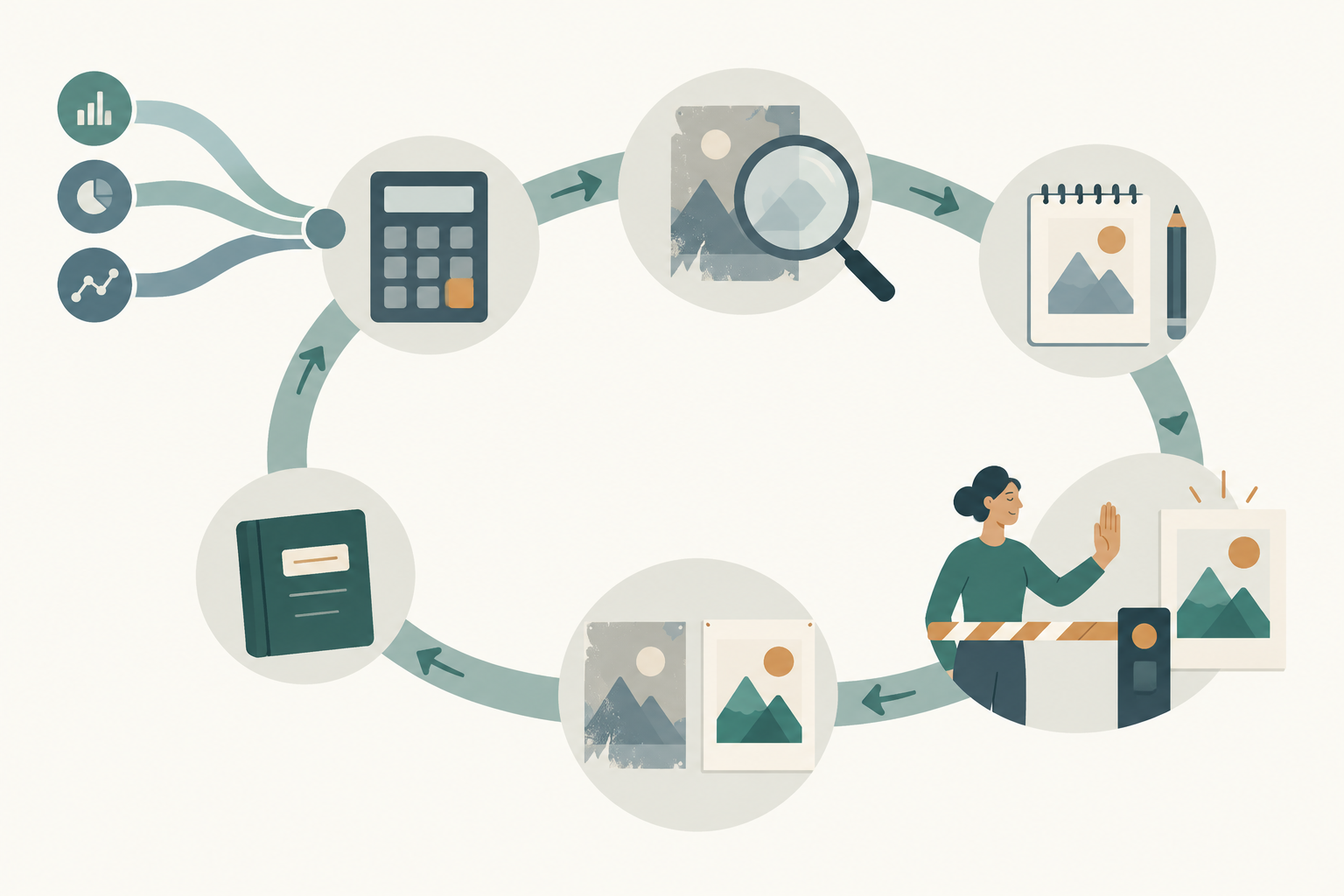
The weekly AI fatigue check runs in six steps
The weekly check is a scheduled AI job that pulls ad-level delivery data, compares each ad with its baseline, names the cause and drafts a refresh for a person to approve. Run it on Monday morning so the approvals happen before the week's spend.
- Pull the data at ad level. For each live ad you need impressions, reach, clicks, spend and results by week since launch, plus reach for the whole period since launch, because weekly reach figures cannot be added together. On LinkedIn, the reporting API returns these with pivot=CREATIVE, and the metrics schema lists approximateMemberReach, which is only available for date ranges of 92 days or less, and audiencePenetration at campaign level. Meta's insights field frequency is defined as the "average number of times each person saw the ad" in Meta's Ads CLI documentation. Google's API metric average_impression_frequency_per_user is campaign level only and covers Display, Video, Discovery and App campaigns, per the Google Ads API metrics reference. An AI client can pull these through MCP connections, which our LinkedIn Ads MCP guide and Meta Ads MCP guide walk through, along with a Google Ads companion.
- Compute the numbers per ad. Baseline CTR, this week's CTR, cumulative frequency, CPM change against the baseline weeks, and campaign penetration. Have the AI write the calculation as code and show it, rather than doing arithmetic in prose.
- Diagnose with the table below. Every flagged ad gets one label: creative fatigue, audience saturation, auction pressure, a broken page or tracking, or not enough data.
- Run an AI creative analysis on the tired ad. Ask what still worked in its first weeks, such as the hook, the format or the offer, so the refresh keeps the idea and changes the execution. The brief itself comes from the creative brief method linked above.
- Queue the refresh for approval. The AI drafts copy and an image or video request, and a named person signs off before anything goes live. On Google this is partly enforced for you: the Google Ads MCP server can create assets but "cannot link assets to campaigns, ad groups, or asset groups," according to Google's developer page.
- Launch the new version beside the old one and log it. Keep the tired ad running at reduced share until the new one has its own baseline, then judge the swap with the method in our AI creative testing guide.
Here is a prompt you can schedule as the core of steps 2 and 3. It uses the hypothetical starting values from the baseline section, so replace them with your team's own before you run it. Paste the weekly export underneath it.
You are checking B2B ads for creative fatigue. Data below: one row per ad per week since launch,
with platform, campaign, ad id, impressions, reach, reach since launch, clicks, spend, results, campaign audience
penetration (LinkedIn only).

For each ad:
1. Baseline = CTR over the first two full weeks after launch (Meta: after learning ends).
   If the baseline has fewer than 50 clicks, label "not enough data" and stop.
2. Compute this week's CTR, last week's CTR, cumulative frequency (cumulative impressions /
   reach since launch), and CPM change against the baseline weeks. Show the calculation as code.
3. Flag FATIGUE only if CTR is 25% or more below baseline in both of the last two weeks,
   cumulative frequency rose over those weeks, and CPM changed by less than 10%.
4. If every ad in the campaign is down and penetration is above 60%, label SATURATION instead.
5. If CPM rose 10% or more and frequency is flat, label AUCTION.
6. If CTR held but results per click fell, label PAGE OR TRACKING.
7. For each FATIGUE ad, list what the ad says, shows and offers, and propose two refresh
   directions that keep the concept and change the execution. Mark every proposal DRAFT.

Return a table: ad id, label, baseline CTR, current CTR, frequency, CPM change, one-line reason.
Never pause, edit or launch anything.
Creative fatigue and audience saturation need different fixes
The pattern across CTR, frequency, CPM and penetration tells you which problem you have, and the fix differs for each. The table uses the same hypothetical starting values, and a new ad solves only the first row.
| Pattern | Diagnosis | What to do |
|---|---|---|
| One ad's CTR down 25% or more for two weeks, frequency rising, CPM flat | Creative fatigue | Refresh that ad: same concept, new execution |
| All ads in the campaign down, LinkedIn penetration above 60% and climbing | Audience saturation | Widen the audience, lower the budget, or add a cap if it is a brand awareness ad set |
| CTR down, frequency flat, CPM up 10% or more | Auction pressure | Review bids and budget; new creative won't fix it |
| CTR steady, results per click falling | Landing page or tracking | Check the page and the conversion tag first |
| Any drop in an ad's first week, whatever the label says | Not enough history | Wait until it leaves learning and has a baseline |
The 60% penetration line is another example value for your team to set and adjust, not a LinkedIn threshold. LinkedIn's reporting schema defines audience penetration as members reached divided by the total target audience size, so at 60% most of the people you can buy have already seen you, and a fresh ad mostly reaches them again.
Where fatigue checks go wrong
Fatigue checks fail in four predictable ways, and each one costs money in a small account.
Judging on click-through alone is the first. CTR is the earliest signal, but it is a proxy, and an ad whose clicks have slowed can still be the one producing opportunities. Before you retire an ad, look at the qualified pipeline it has sourced in your CRM. A tired ad that still books meetings deserves a new execution, not retirement.
Refreshing on a calendar is the second. LinkedIn's "at least once per month" is sensible as a ceiling for neglected accounts, but pulling an ad that is still at its baseline throws away a winner. Let the data trigger the refresh, with the monthly rule as a backstop.
Averages hiding concentration is the third. Imagine a hypothetical account list of 300 companies with an average frequency of 4, where the five largest accounts see the ad 15 times each. If you run ABM, look at impressions by company where the platform reports them, and expect the worst fatigue in your most important accounts.
Letting the agent launch is the fourth. A scheduled job that both drafts and publishes creative will eventually put something off-brand in front of your best prospects. Keep a person signing every new ad, using a written creative approval workflow so the sign-off takes minutes rather than days.
The check is working when refreshes land before the cost rises
The fatigue check is working when flagged ads are replaced before the cost per result climbs, and when the replacement earns back the old ad's baseline click-through within its own first two weeks. After a quarter, compare two numbers: how many ad-weeks ran past your flag line before the check existed, and how many since. If that count is falling and pipeline per campaign has held, the check is paying for itself.
If replacements keep failing to reach the old baseline, the problem has moved upstream. Either the refreshes change too little, so the audience still recognizes the ad, or the audience is saturated and no new execution will help. The diagnosis table tells you which.
Where to start this week
Pull the last eight weeks of ad-level data from your largest LinkedIn campaign, compute each ad's first-two-week baseline, and see which ads have already slipped well below it. Scalewell can help your team turn that one-off exercise into a Monday job that AI runs and a person approves.
Frequently asked questions
How often should you refresh B2B ad creative?
Refresh when the data says so, with a monthly backstop. LinkedIn's help center advises refreshing ads "at least once per month with new ad text or images." In a small audience with high frequency, ads may tire sooner than that, while ads in a large audience can hold their baseline for longer. A weekly check against each ad's own baseline tells you which case you're in.
Does ad fatigue affect Google search ads?
Search ads fatigue far less, because they appear in answer to a query someone has just typed, and Google lists its reach and frequency columns for Display, Demand Gen, Video and App campaigns only. In those campaigns, the "Avg. impr. freq. per user" columns show how often the same people see your ads.
Can you reuse an ad after it has fatigued?
You can, but treat it as a new test rather than a returning winner. No platform publishes a rest period after which an ad recovers, so give it a fresh baseline when it comes back and judge it like any new ad. In a small account-list audience, many of the same people will remember it, so expect a shorter life the second time.
Does a frequency cap prevent ad fatigue?
A cap limits how often each person sees a campaign, which slows fatigue, but it cannot make a tired ad interesting again. On LinkedIn, caps of 3 to 30 impressions per member over seven days are available only for brand awareness ad sets and are still rolling out, so most B2B lead campaigns have no cap to set.
Is ad fatigue the same as banner blindness?
They overlap but differ in scope. Banner blindness is people ignoring anything that looks like an ad in a given spot on a page. Ad fatigue is specific to one ad that a particular audience has seen too often, and a new execution of the same message can fix it, while banner blindness needs a different format or placement.